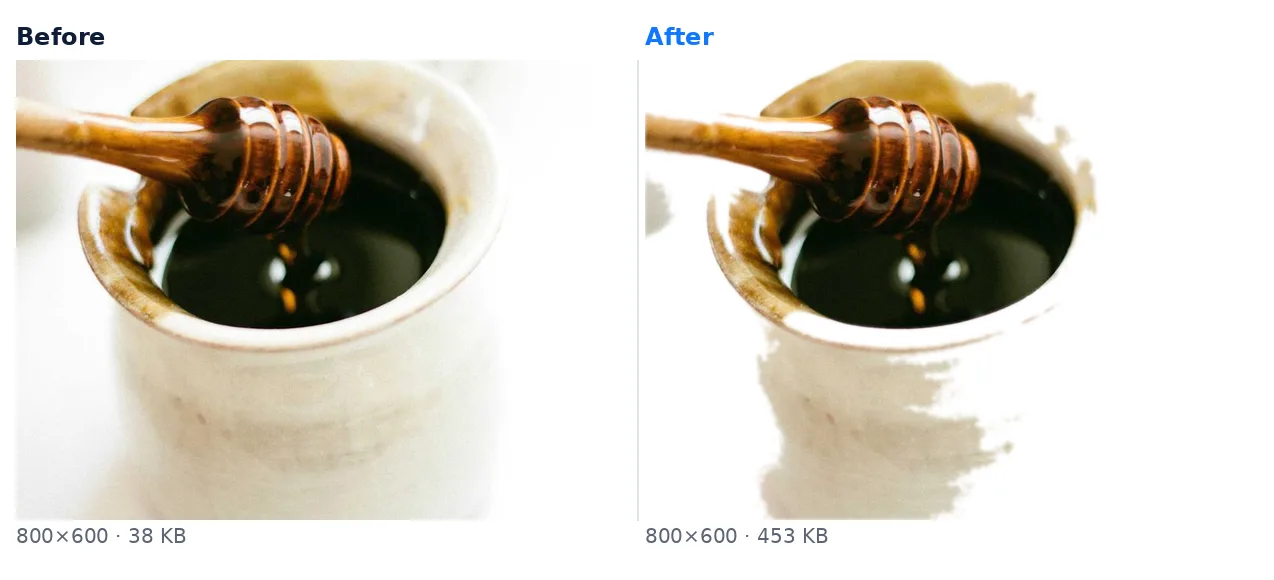
What is happening to remove.bg?
remove.bg has announced that its standalone website will no longer be available from 1 December 2026 at 9:00am CET. Background removal is moving into Canva, and the self-service API is moving to Leonardo.ai. Unused pay-as-you-go credits expire on the same date. If you used remove.bg for quick cut-outs, you will need another way to remove backgrounds after that date — this page explains the free switch. Source: remove.bg’s own migration FAQ.
remove.bg vs iLoveToolzy
remove.bg’s free downloads are small preview images (up to 0.25 megapixels); full-resolution downloads cost 1 credit per image, so you need an account and credits. iLoveToolzy’s Background Remover is free in a different way:
- 100% free — no sign-up, no credits, no usage limits, no watermark.
- Full-size downloads — transparent PNG, JPG or WebP at the photo’s full size, free.
- Private by design — the AI runs in your browser. Your photos are never uploaded and never leave your device.
- No account, no app — it works as a guest on any device, in a normal web browser.
- High quality mode — a larger AI model for tricky photos: white products, fine hair and busy backgrounds.
What the Background Remover does
- AI background removal for any photo — people, products, pets, busy backgrounds (a dedicated people model keeps faces intact)
- High quality mode — a larger AI model (about 94 MB, downloaded once) for tricky photos
- Change the background: transparent, colour, picture, blur or gradient
- Erase / Restore brush to fix edges, plus shadow and subject adjustments
- Bulk mode — remove backgrounds from several photos at once, download as ZIP
- Solid colour mode for plain backgrounds
- Transparent PNG, JPG and WebP download, full size, free
How to switch in 3 steps
- Open the Background Remover — no sign-up needed.
- Upload your JPG, PNG or WebP photo, or press “Try Sample Image” to try it with a sample photo. Removal starts automatically.
- Download the transparent PNG — full size, free. Change the background first if you want a colour, a picture or a blur instead.
Frequently asked questions
Is this remove.bg alternative really free?
Yes. The Background Remover is 100% free — no sign-up, no credits and no usage limits. Full-size PNG downloads are free, with no watermark.
What happens to remove.bg on 1 December 2026?
According to remove.bg’s own migration FAQ, its standalone website will no longer be available from 1 December 2026 at 9:00am CET. Background removal moves into Canva, and the self-service API moves to Leonardo.ai. Unused pay-as-you-go credits expire on the same date.
Are my photos uploaded to a server?
No. The Background Remover runs entirely in your browser: the AI models download to your device and your photos never leave it. Nothing is uploaded, stored or sold.
What is High quality mode?
High quality mode uses a larger, sharper AI model (BiRefNet-lite, about 94 MB, downloaded once and cached) for tricky photos — white products on white backgrounds, fine hair and busy flat-lays. Fast mode stays the default and is quicker; switch to High quality when a photo needs it.
Do I need an account or Canva to keep removing backgrounds?
No. On iLoveToolzy you need no account at all — the Background Remover works fully as a guest, on any device, in a normal web browser.
Can I use it for products, logos and people?
Yes. It removes backgrounds from people, products, pets, cars, logos and graphics. Photos with people use a dedicated people model, so faces, hair and skin stay intact.
More free tools
Background Remover · Passport Photo Maker · Image Compressor