Image Upscaler
Drag & Drop your image here
🔒 Processed in your browser. Nothing is uploaded. Upscaling enlarges your picture with smoothing — it cannot add detail that was never in the original.
This free image upscaler enlarges a picture to twice or four times its size, right in your browser. It uses your browser's high-quality smoothing to stretch the image, so edges stay soft instead of blocky, and your picture is never uploaded anywhere.
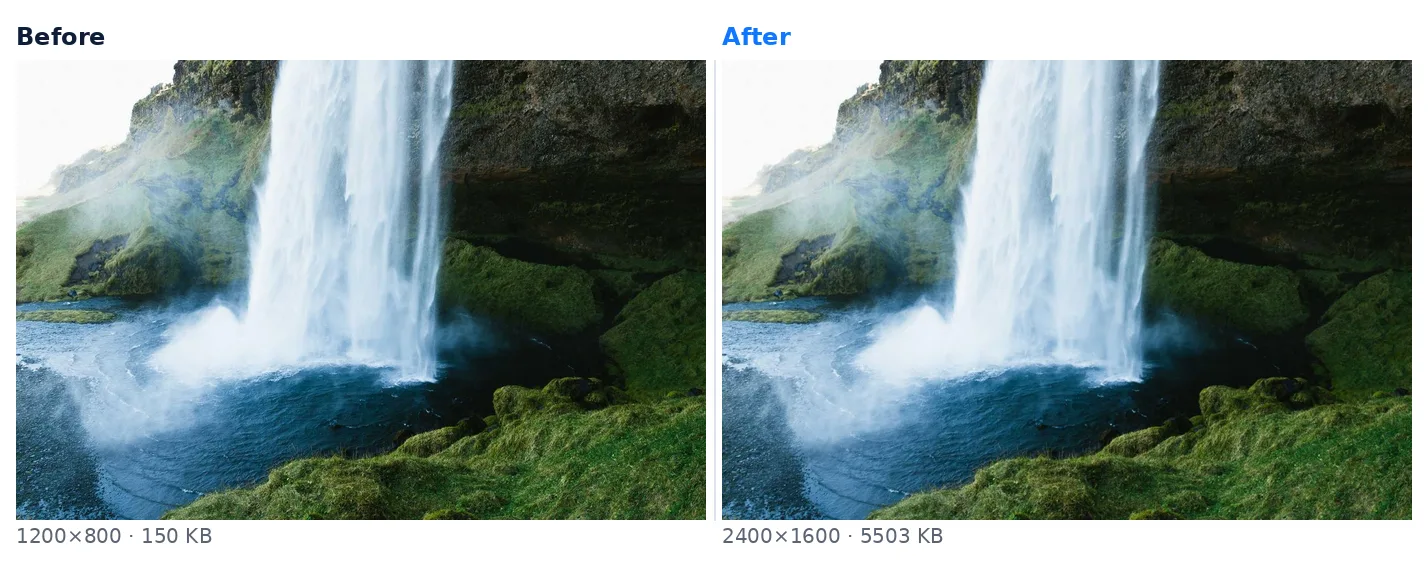
Enlarging a picture cannot add detail that was never in the original — a small, blurry photo will still be soft when it is bigger, just larger and smoother. What upscaling is good for is making a small picture usable at a larger size: printing it, showing it on a big screen, or meeting a minimum size for an upload form. A clean, sharp original upscales far better than a noisy or heavily compressed one.
Choose 2× for most jobs: it doubles the width and height, which is enough for a larger display or a better print, and the file stays a reasonable size. Choose 4× when you need a much bigger picture, for example a small logo or icon for a poster, and accept that it will be softer and the file will be larger. Enlarging in two steps of 2× gives the same result as one step of 4×, so there is no advantage in doing it twice.
Use it to print a phone photo at a larger size, to make a small image fit a website banner or a presentation slide, or to meet a minimum pixel size on an upload form. If the enlarged file is too large, shrink it afterwards with the Image Compressor, and if you need an exact width rather than a multiple, the Image Resizer sets any size you want.
No. Upscaling makes a picture larger with smoothing, but it cannot add detail that was never in the original. A sharp original upscales well; a blurry one stays soft, just bigger.
2× doubles the width and height, so the picture has four times as many pixels. 4× quadruples the width and height, so it has sixteen times as many pixels — and a much larger file.
Yes. It is free to use, with no signup and no usage limits.
No. Everything runs in your browser, so your files and details stay on your device.