iPhone photos are saved as HEIC. This tool converts them to JPG or PNG so they open everywhere — in your browser, with nothing uploaded.
🔒 Processed in your browser. Nothing is uploaded. Conversion runs on your device using a converter library stored on this site — no external service is involved.
This free converter turns iPhone HEIC photos into JPG or PNG files that open everywhere. iPhones save photos as HEIC because the files are smaller, but many apps, websites and older devices still do not accept them. Converting to JPG fixes that in seconds, in your browser, with nothing uploaded.
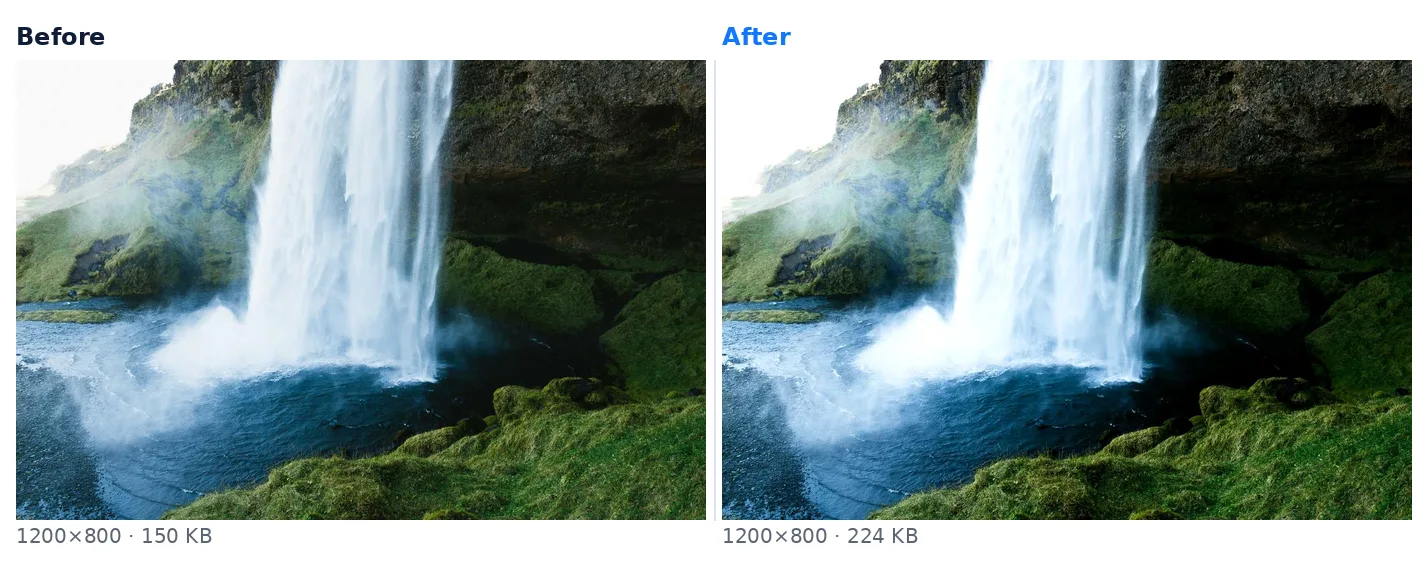
Example result: the same photo converted from HEIC to JPG.
HEIC is Apple's photo format, used by iPhones and iPads since 2017. A HEIC photo looks the same as a JPG to the eye and is usually about half the size, which is why Apple chose it — but Windows apps, older Android phones, many upload forms and some printers cannot open it.
Convert iPhone HEIC photos to JPG or PNG
Keeps the photo quality you choose
Works in your browser — nothing uploaded
No signup, no software to install
Try a sample image — no upload needed.
How to use the HEIC to JPG Converter
Upload your HEIC (.heic) photo from your iPhone — or press “Try Sample Image” to try it with a sample HEIC photo, no upload needed.
Choose JPG for the smallest file that opens everywhere, or PNG if you need it, and set the quality.
Press Convert, check the preview, then download the JPG or PNG.
Quality and file size
The quality slider applies to JPG output: 92 percent looks the same as the original in almost every case while keeping the file small, and lowering it to 80 percent makes the file smaller still. PNG output ignores the quality slider because PNG is lossless, and PNG files are larger than JPGs of the same photo. For a fuller guide, see our HEIC to JPG guide.
When to use it
Use it whenever an iPhone photo will not upload to a form, will not open in an app, or needs to be edited or printed somewhere that does not support HEIC. It is handy for photos shared from an iPhone to a Windows computer, for documents and applications that only accept JPG, and for pictures you want to use on a website.
HEIC to JPG Converter FAQ
Why does my iPhone save photos as HEIC?
Apple uses HEIC because it stores the same photo quality in about half the file size of JPG. You can change this in iPhone Settings under Camera, Formats, by choosing Most Compatible instead.
Will converting lose quality?
Barely. At 92% quality the JPG looks the same as the original HEIC photo. Lower quality settings make smaller files but can show slight softness in fine detail.
Is the HEIC to JPG Converter free?
Yes. It is free to use, with no signup and no usage limits.
Are my files or data uploaded?
No. Everything runs in your browser, so your files and details stay on your device.
What are the limits?
One photo at a time. There is no fixed limit on the file’s size — conversion runs in your browser.